Kensho: Workout Planner
Coach-built workout plans for gym, home, and mobility
16 coach-built programs across muscle, fitness, mobility, and fat loss — pick a plan, follow along with video, and log every session in one app.


-
16
programs
-
5
training styles
-
198
exercises
-
7
languages
-
✓ Log without an account
Stay excited to train
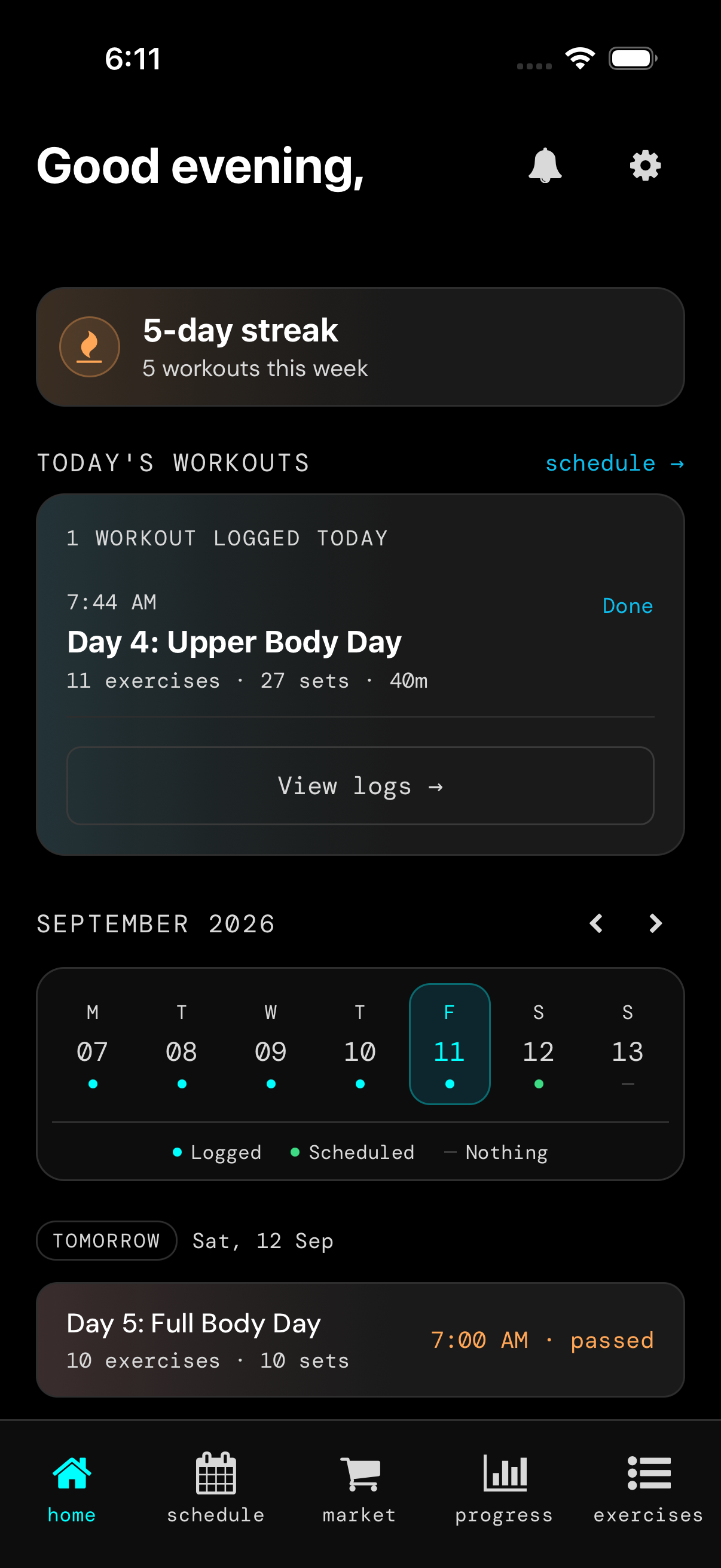
Home puts your streak, today, yesterday, and tomorrow in one glance. Progress shows whether volume and lifts moved — so you come back to beat the last log, not to guess.
-
Streaks that itch to continue
A live streak on Home is a reason to train today. The flame stays on when you log — that small win is what keeps a week from slipping.
-
Today, yesterday, tomorrow — up front
Today’s session is the first card. Yesterday’s log and tomorrow’s plan sit on the same screen, with week dots for logged vs scheduled.
-
Motivation without a buried calendar
You see what you already did and what’s next before you open another tab. Showing up is easier when the next session is already named.
-
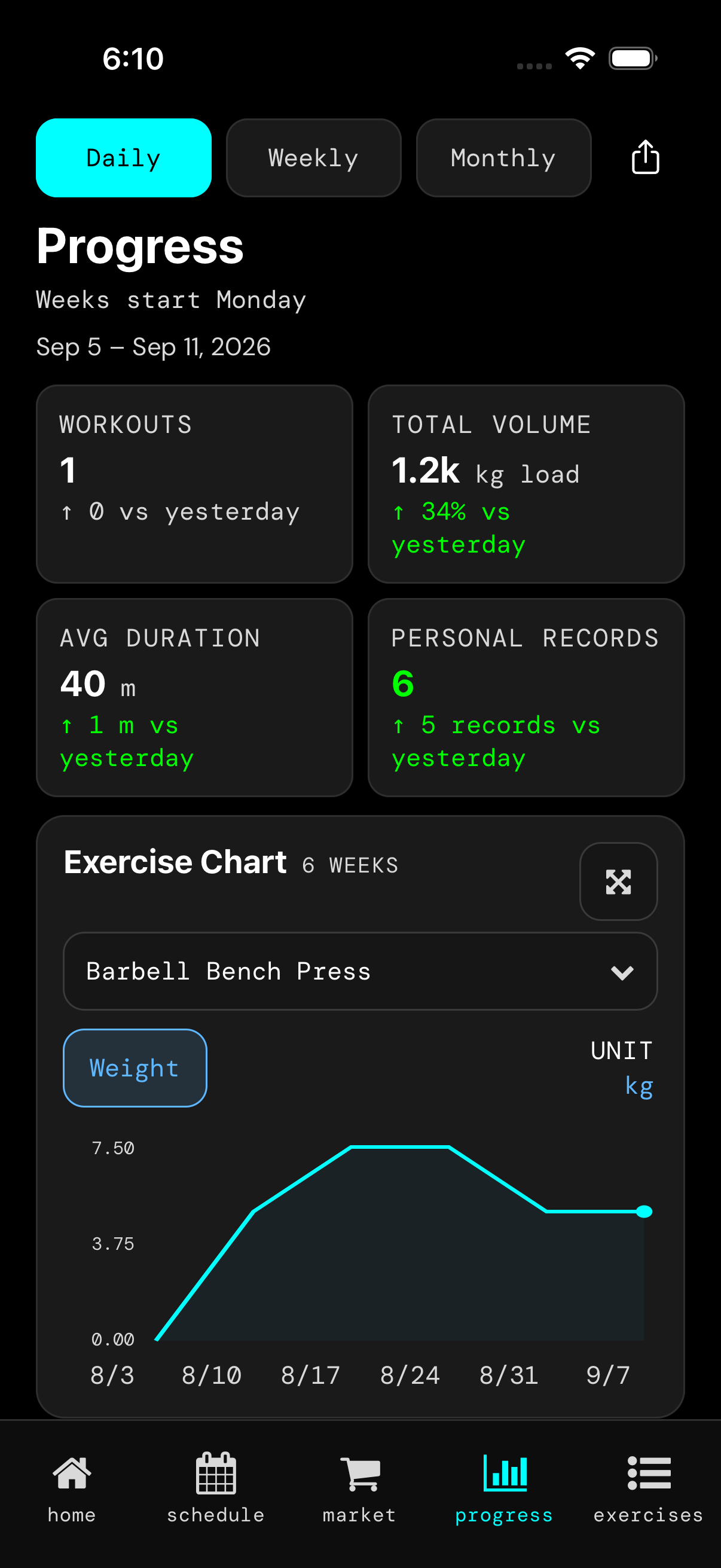
Know if volume is going up
Daily, weekly, or monthly load compared with the last period. Green when total volume is up — you are not guessing from memory.
-
Each lift vs what you logged before
The exercise chart shows whether a weight moved up or down from previous sessions. Deload or PR, the line is honest.
-
New PRs, counted
Personal records for the period, plus how many you added vs yesterday. The hit of a new best shows up as a number, not a vibe.
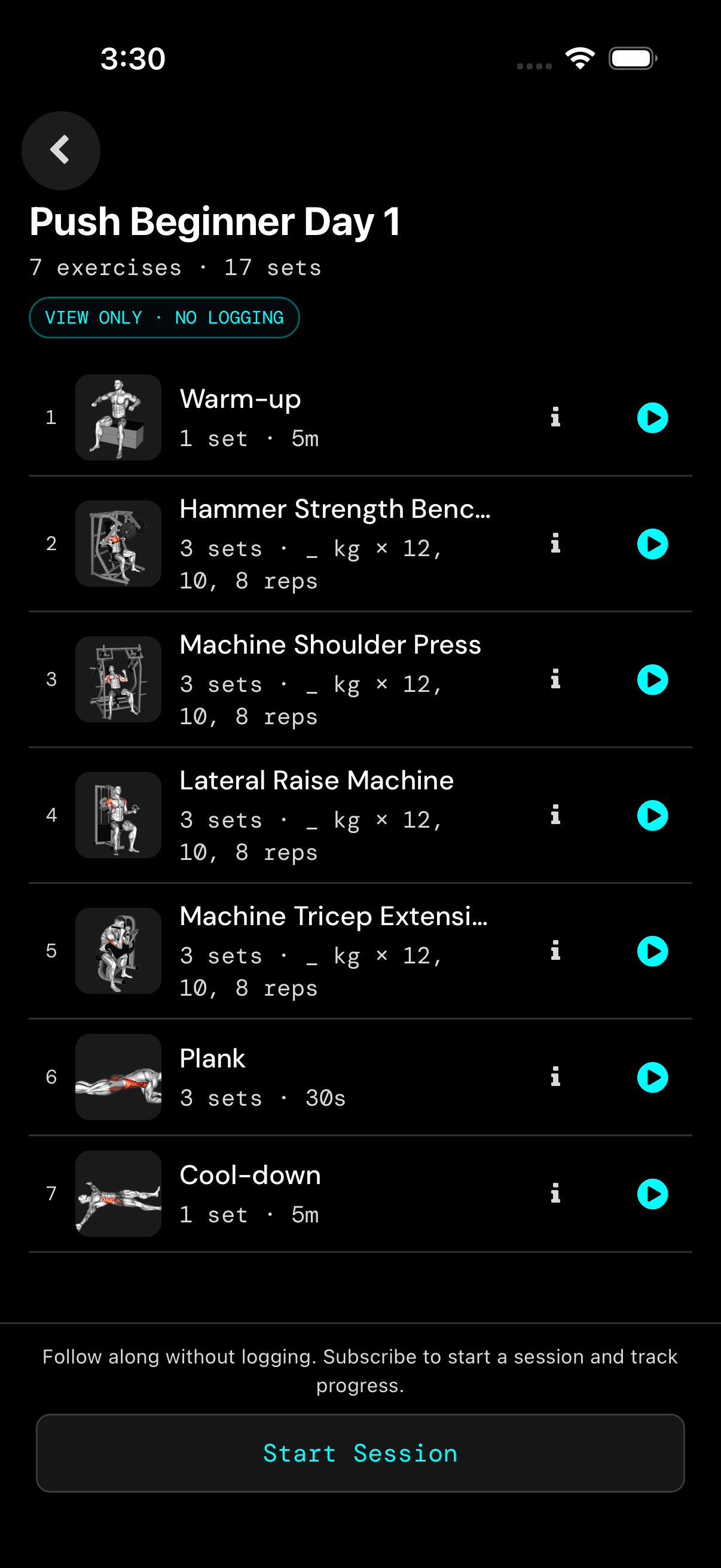
Follow along when you want a coach on screen
Demo video and on-screen cues for each movement. Log sets as you go, or follow first and save after.
How Kensho works
-
1
Pick a program
Browse by goal, equipment, and days per week. Start with a beginner plan you can finish, then progress when the work gets easier.
-
2
Follow along
Train with on-screen coaching and demo video for each movement. Track sets as you go, or follow along first and log later.
-
3
Log and progress
Save every session on this device — no account required. Repeat the plan, add load when you are ready, and watch streaks and history grow.
Browse programs
Muscle

Barbell Bench Press Power Builder
By Kensho

Beginner PPL
By dr.destruction_
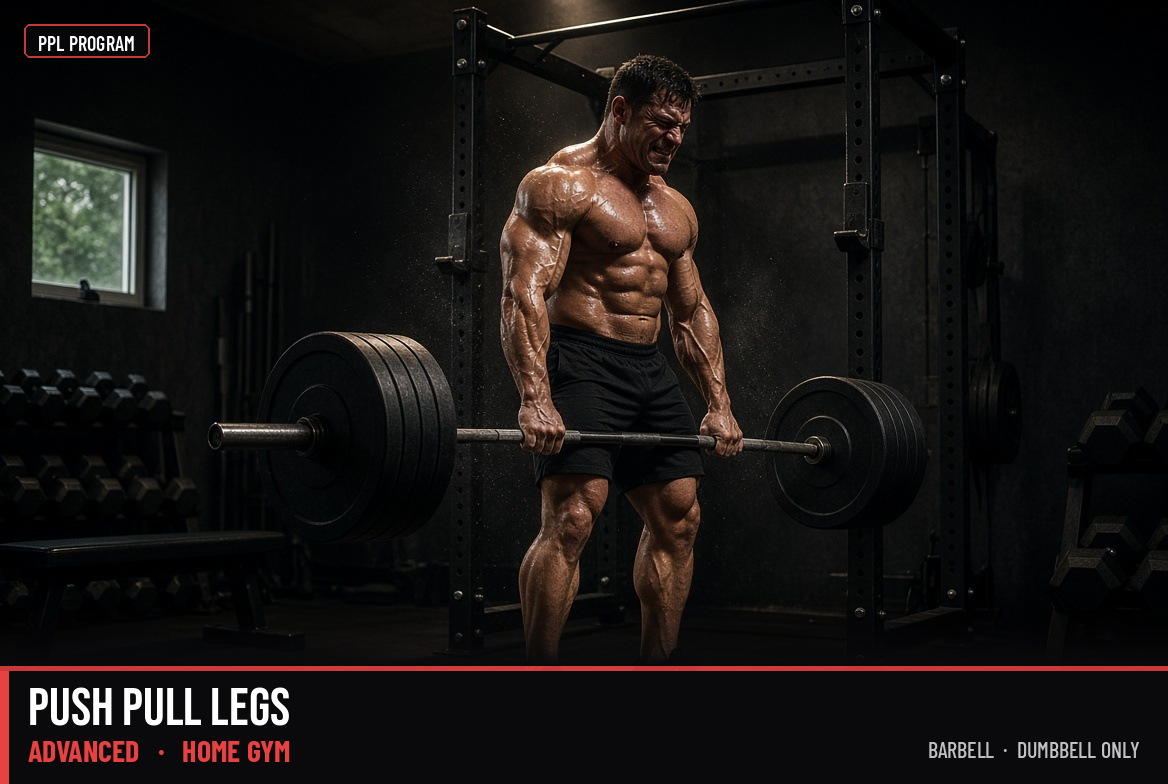
Push Pull Legs Barbell Only Advanced
By Kensho
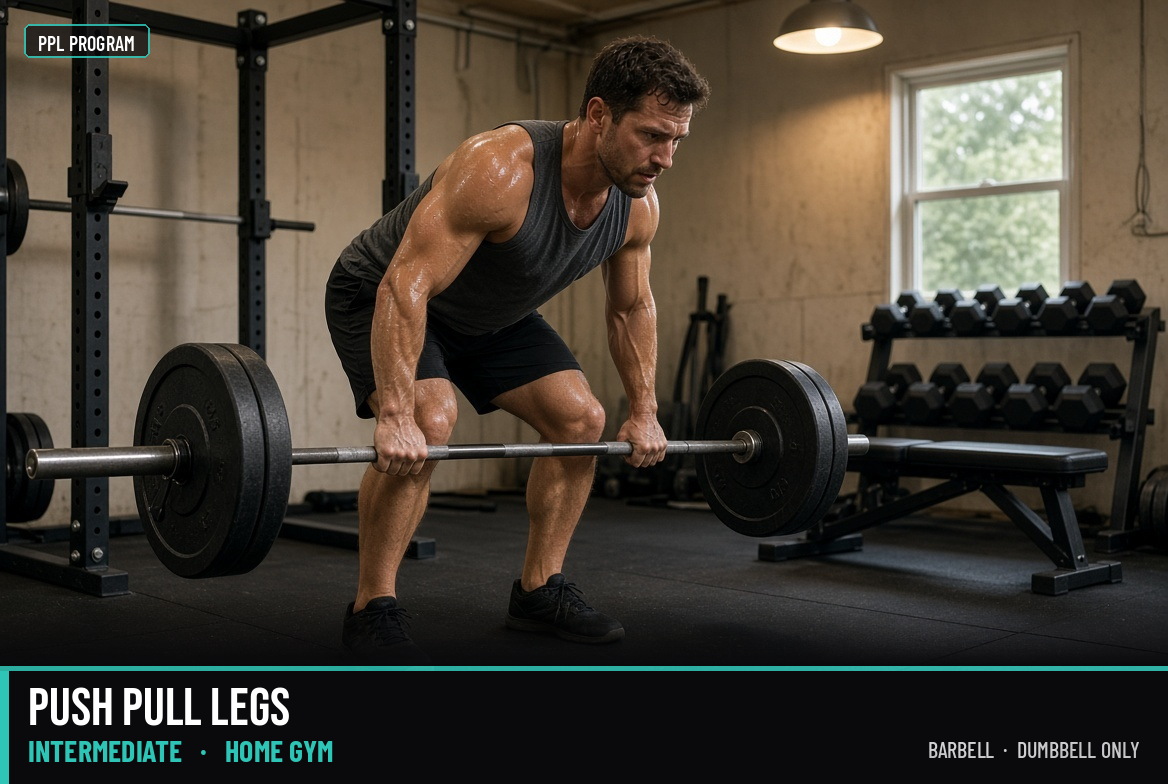
Push Pull Legs Barbell Only Intermediate
By Kensho
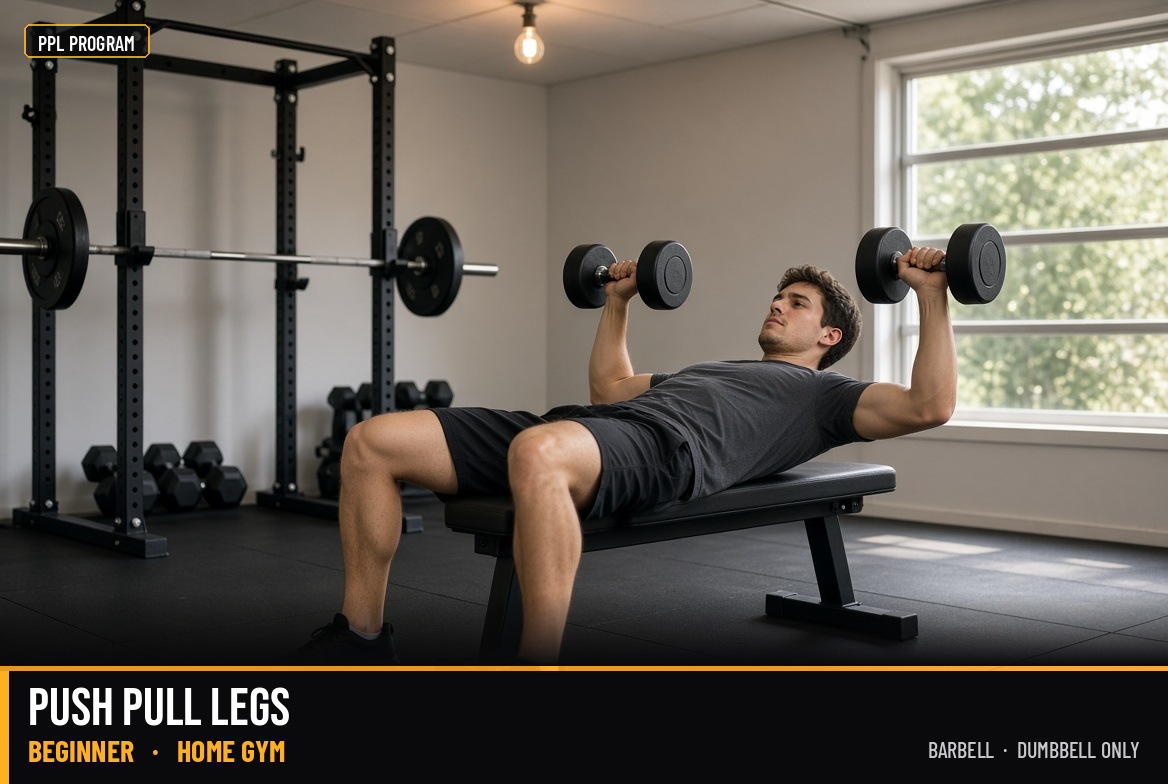
Push Pull Legs Dumbbell Only Beginner
By Kensho
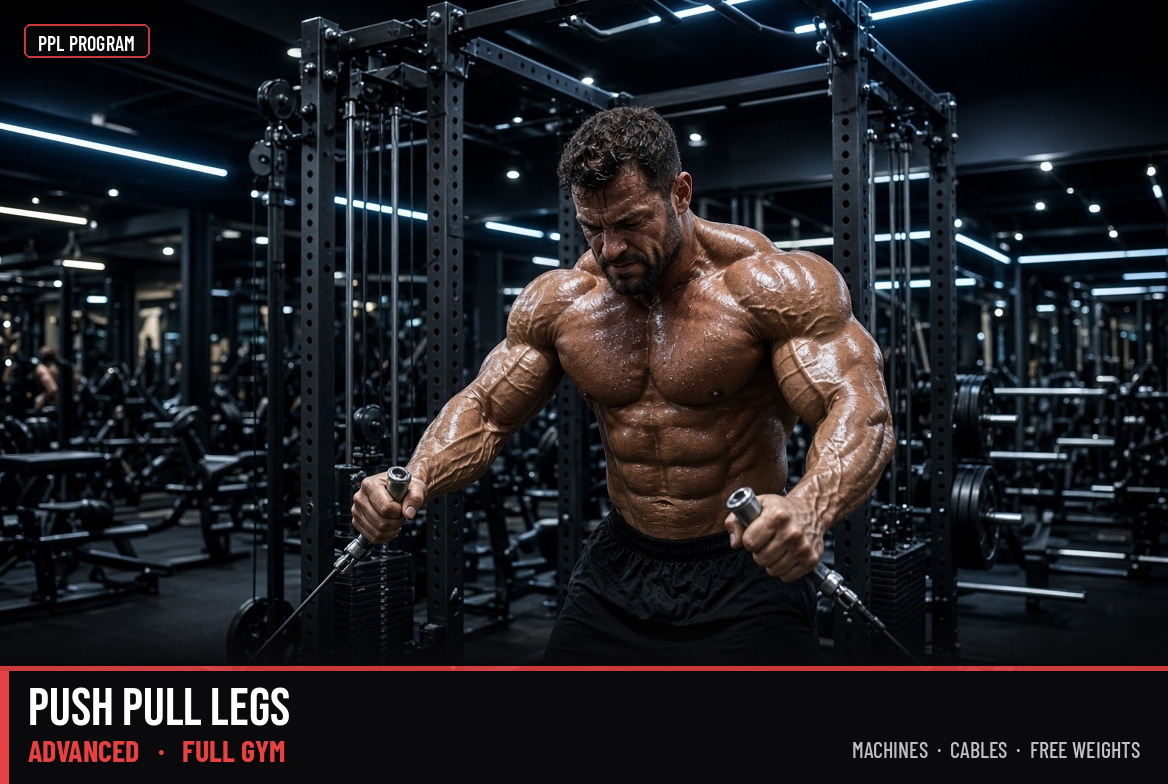
Push Pull Legs Full Gym Advanced
By Kensho
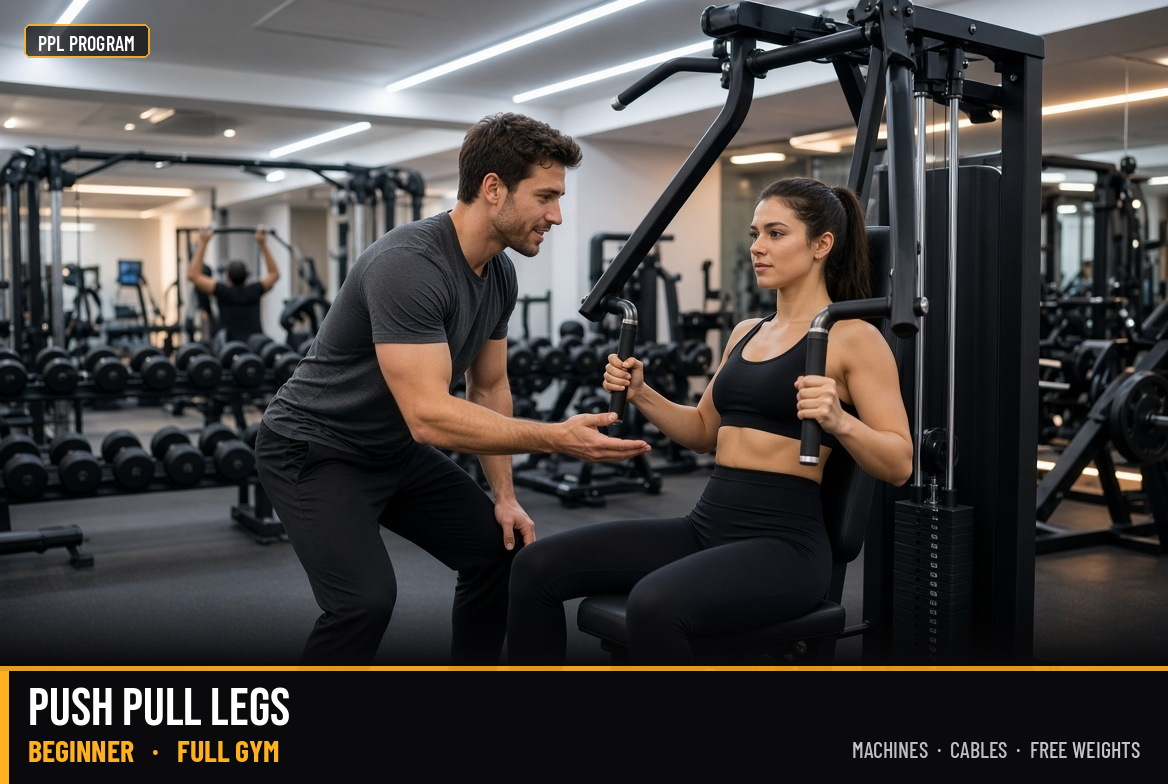
Push Pull Legs Full Gym Beginner
By Kensho
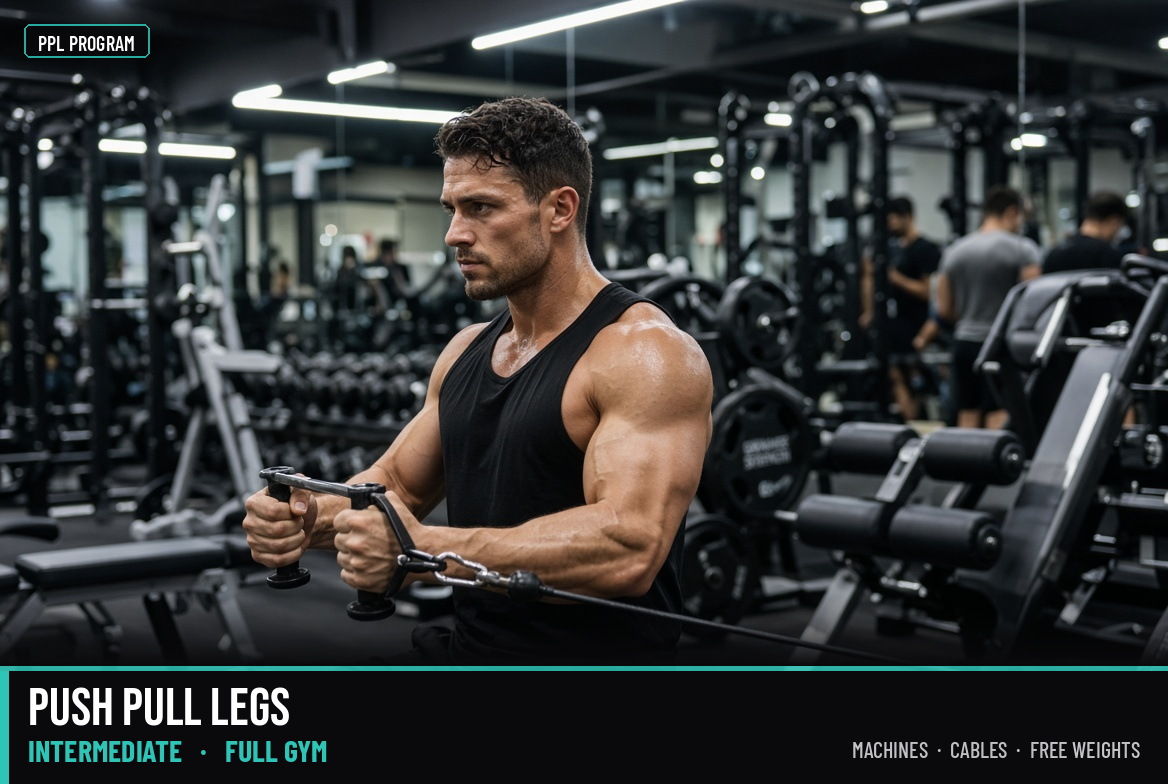
Push Pull Legs Full Gym Intermediate
By Kensho
General fitness
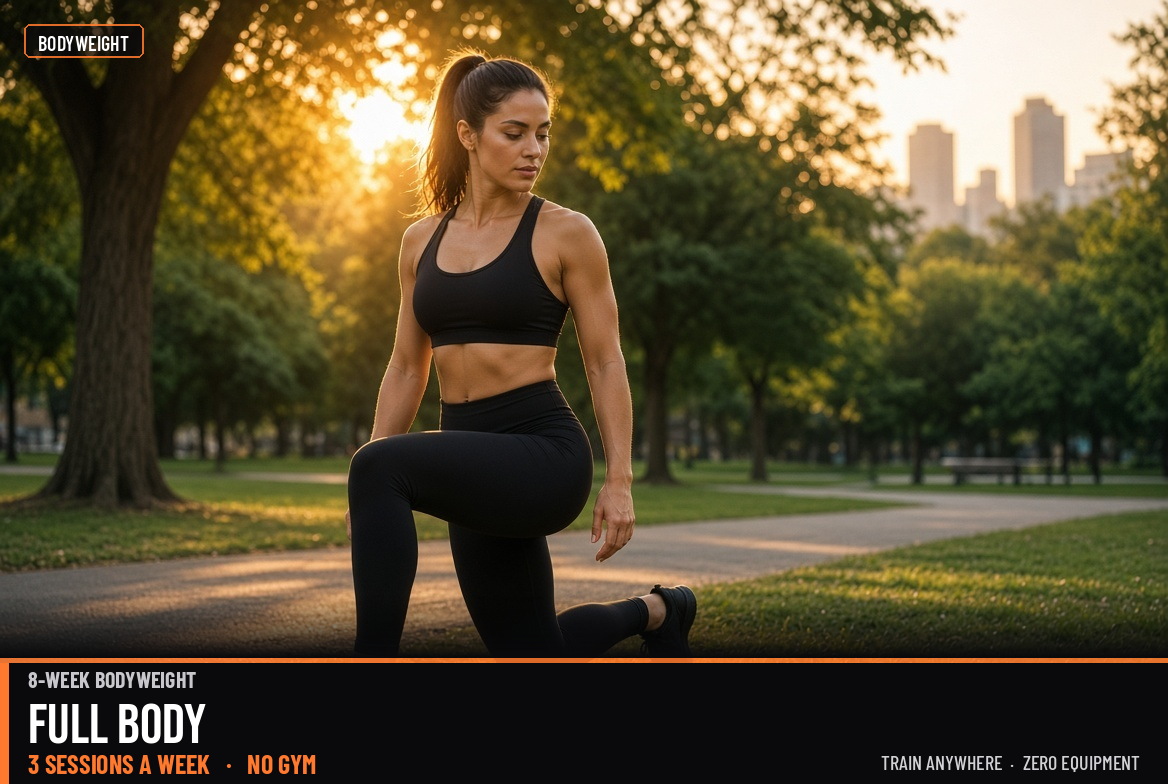
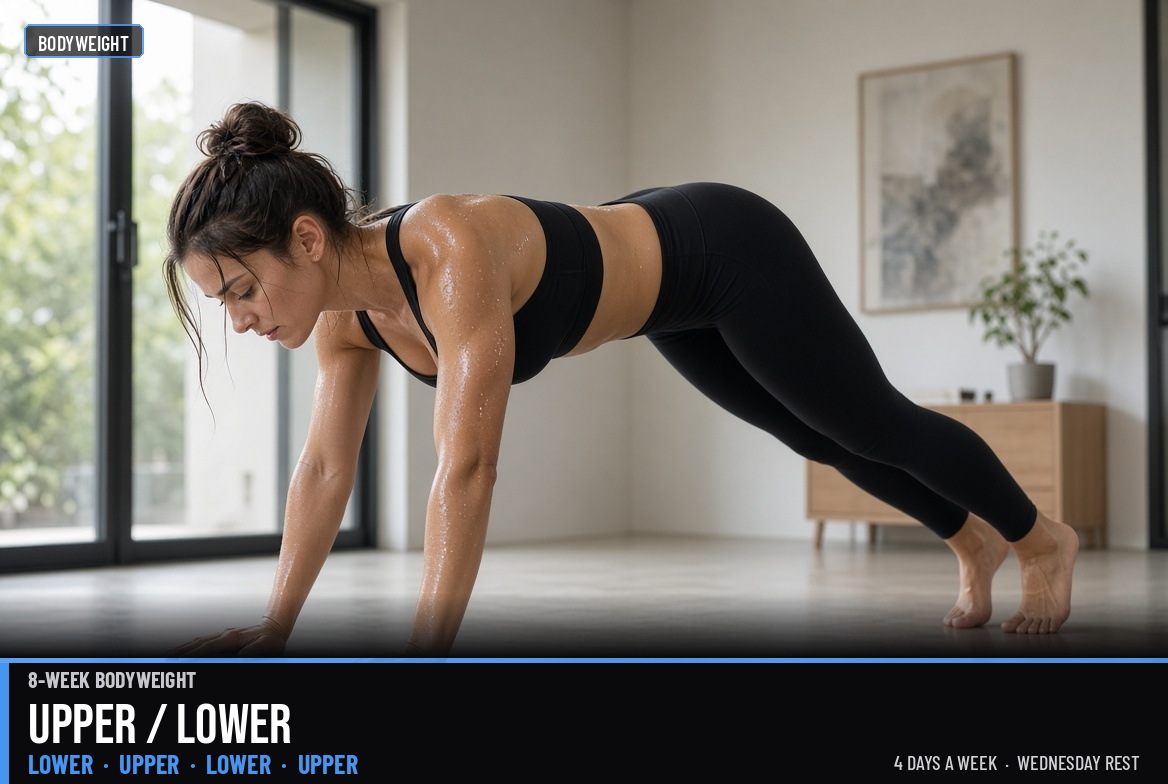
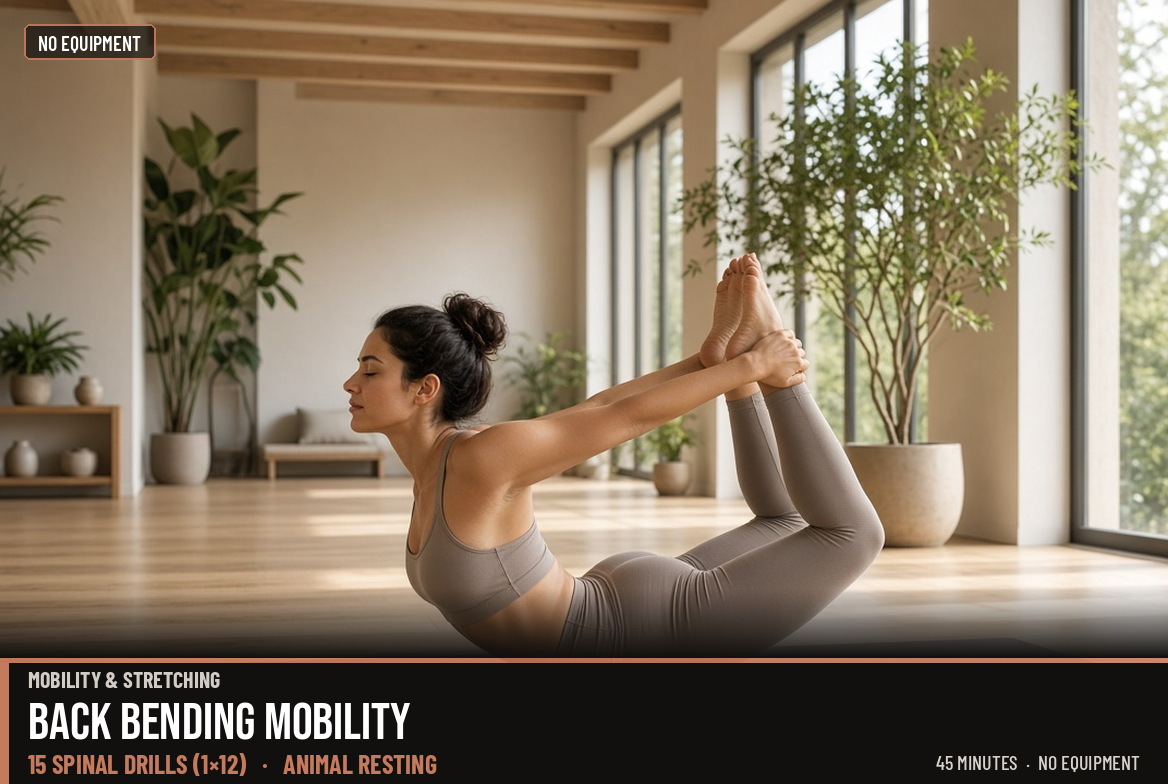
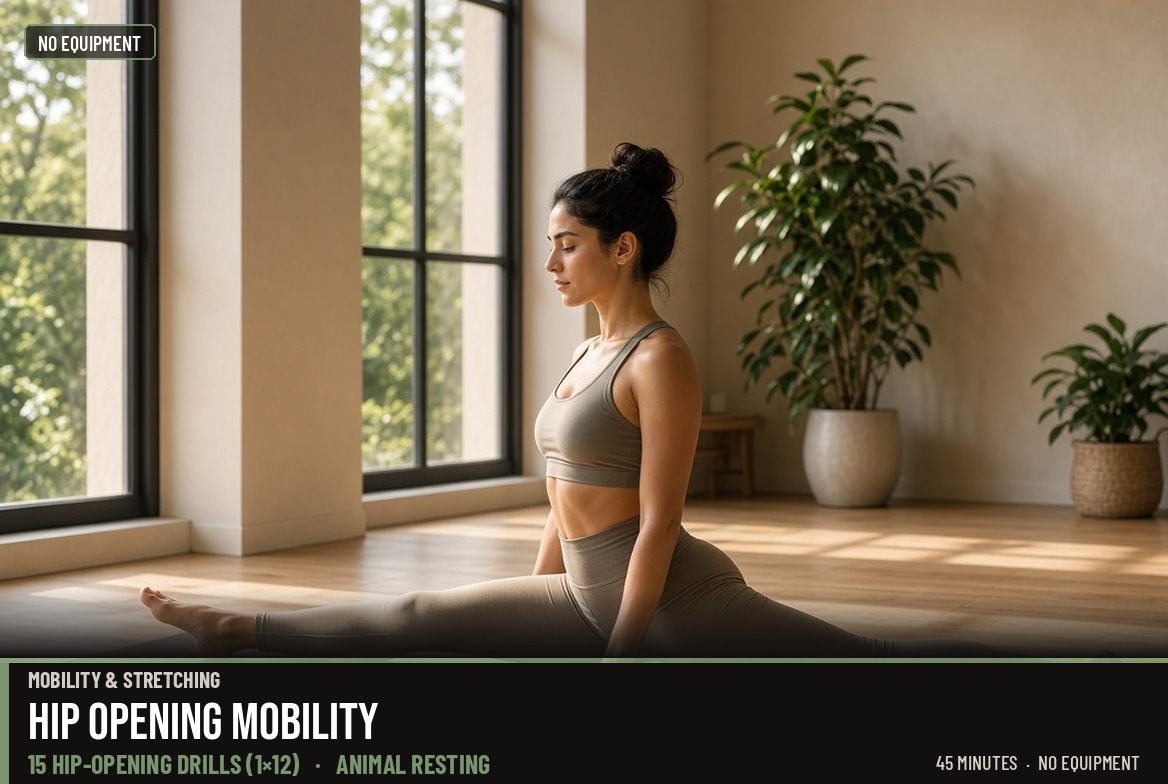
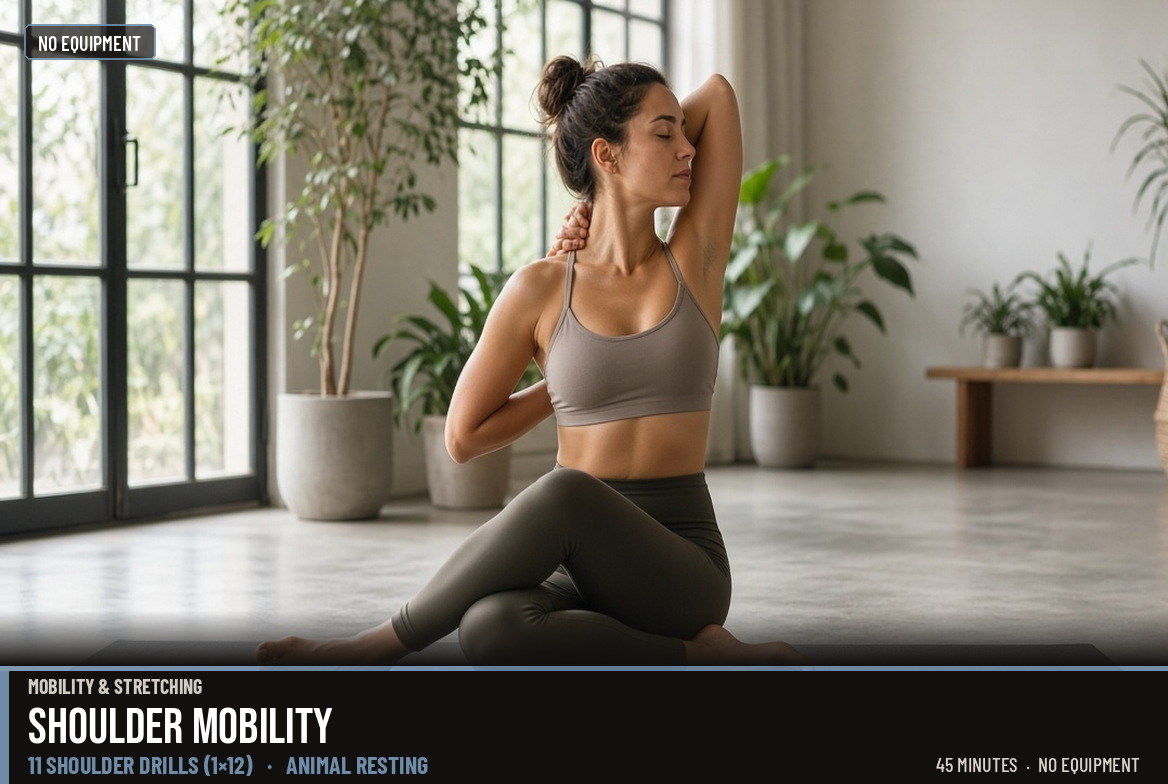
Yoga & mobility
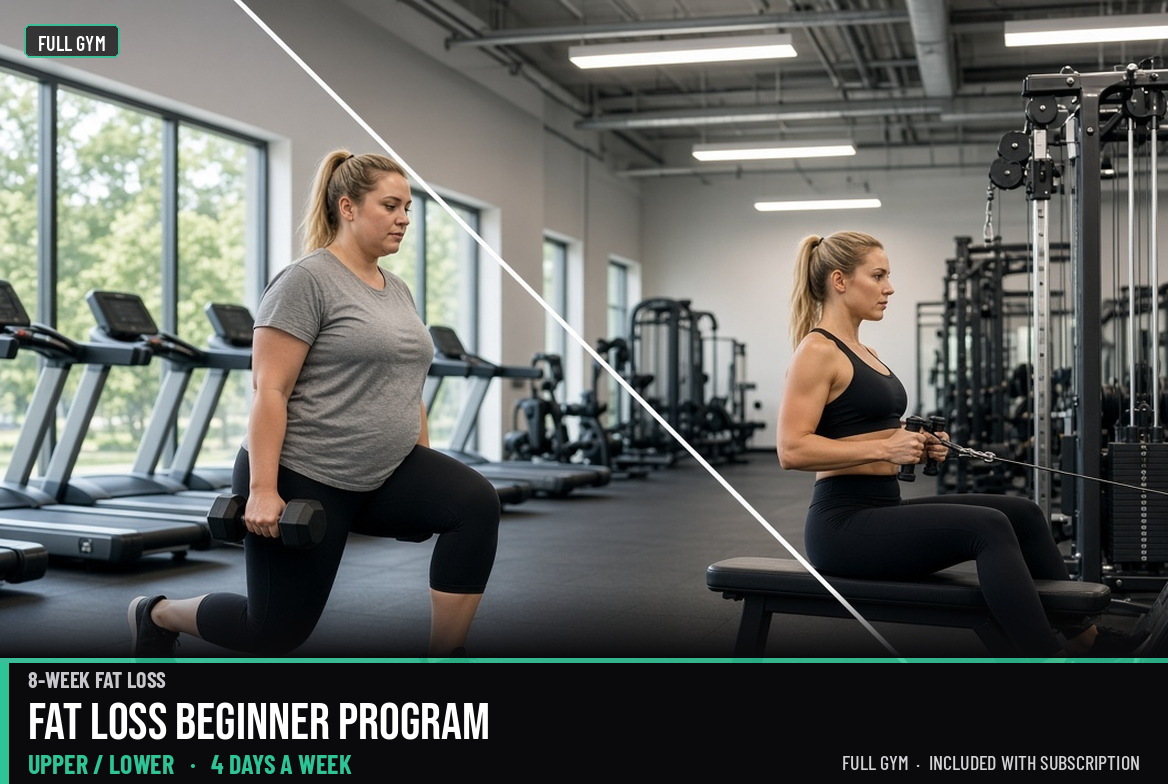
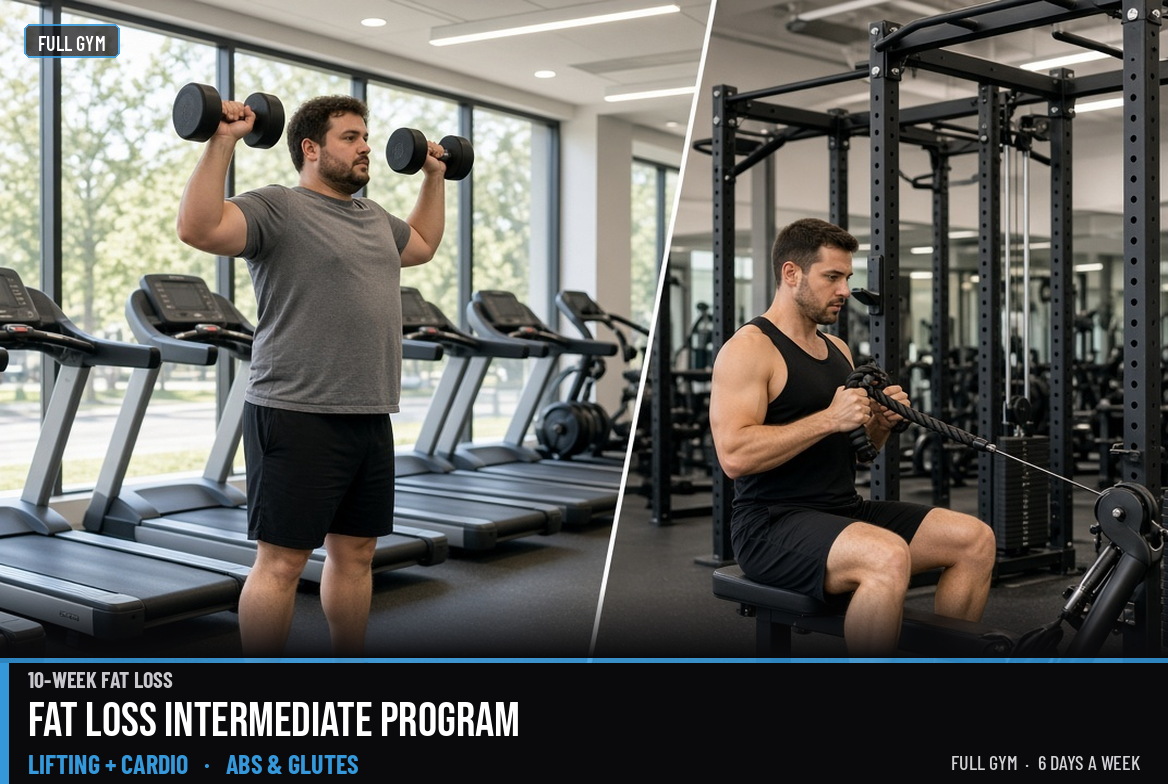
Fat loss
Specials Free

Questions before you download
Do I need the app to see a program?
This site lists every published program with level, equipment, and schedule. Open a program for the overview. Follow-along video and session logging happen in the Kensho app on iOS and Android.
Is Kensho free?
Kensho is free to download. You can browse programs, log your own workouts, and keep streaks without creating an account. Most coach-built programs unlock with Kensho Pro; a few Specials and partner plans are free in the catalog.
How do I pick a program?
Use the shelves — muscle, general fitness, mobility, fat loss, and Specials — plus badges for beginner through advanced, gym or home, and days per week. In the app, a short quiz can filter the same catalog to what you have.
Can I switch programs later?
Yes. Finish a block if you can, then pick another plan. Your logged sessions stay on the device when you change programs.
What equipment do I need?
Each program shows gym, home gym, or bodyweight. Full-gym plans use barbell, machines, and cables. Home plans use dumbbells or a barbell. Mobility and bodyweight plans need no kit.
How to train with Kensho
Short guides on picking a beginner plan, splits, and equipment — then protein, progressive overload, and training natural.
Who builds the programs
House plans are designed by Kensho. Named partners appear when a public profile is set. Specials may feature a guest host for a single free session.
Get Kensho